How to Unregister a DITO SIM and Delete Your Data – Complete 2026 Guide

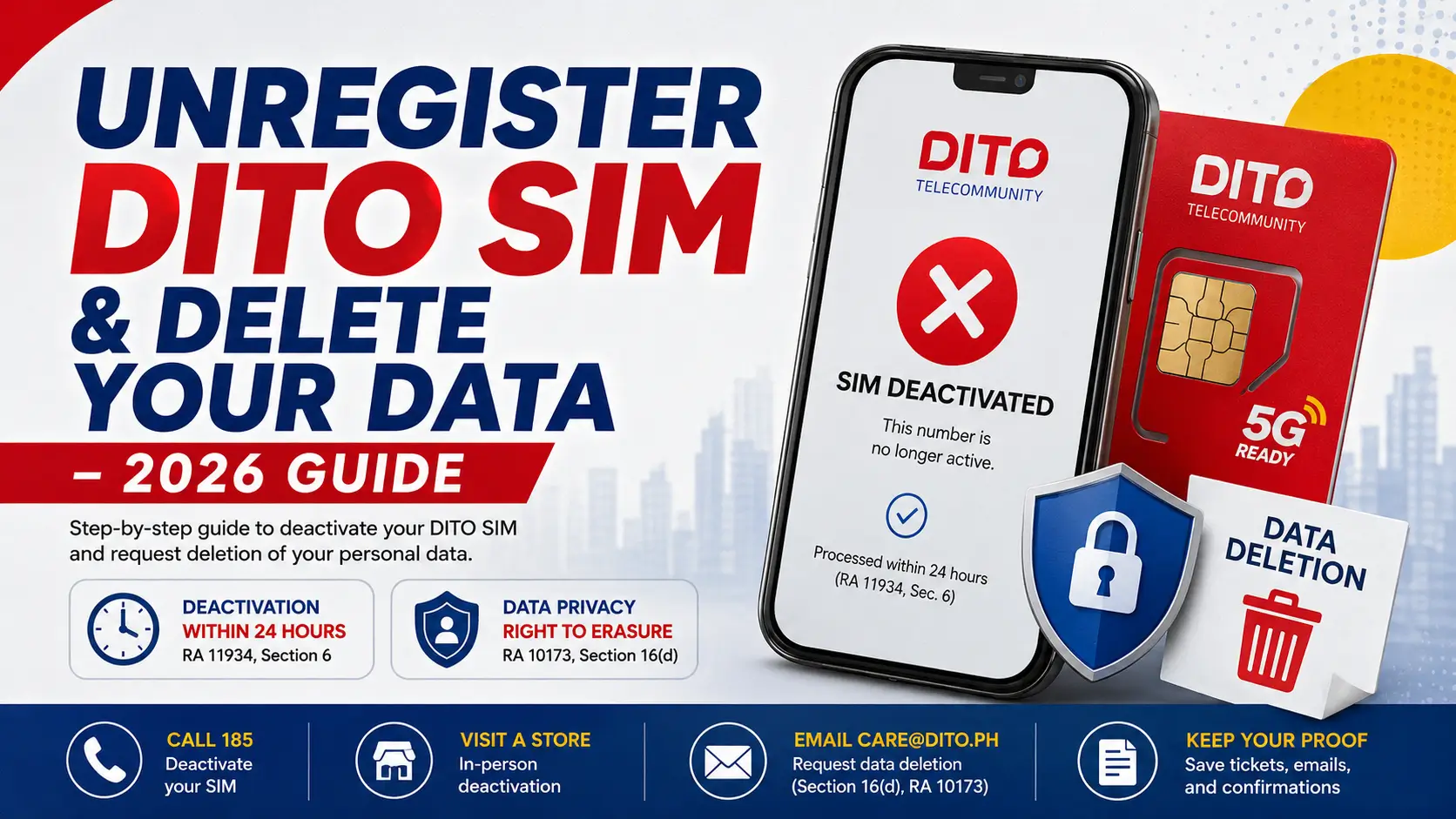
You want out. Maybe you’re switching networks, upgrading to a postpaid plan, or you’ve simply lost the SIM. Whatever the reason, you’re wondering: can you actually unregister a DITO SIM and get your personal data deleted in the process?
The answer is yes — but the process has two separate steps that almost every guide online gets wrong. Deactivating your DITO SIM and deleting your data from DITO’s system are not the same thing. One is a network action. The other is a formal legal request under the Data Privacy Act of 2012 (Republic Act No. 10173). If you only do one, your ID scan, selfie, and personal details may still sit in DITO’s database for years.
This guide covers both.
ABOUT THIS GUIDE Based on DITO’s official Privacy Statement (dito.ph/privacy, updated April 2025), RA 11934’s IRR (NTC Memorandum Circular No. 001-12-2022), and the Data Privacy Act (RA 10173). For informational purposes only — not legal advice.
Quick Answer
To cancel your DITO SIM: Call 185 free from any DITO number, verify your identity, and request deactivation. DITO must process it within 24 hours under Section 6 of RA 11934. For data deletion, email [email protected] citing Section 16(d) of RA 10173. Note: your registration data is legally retained for 10 years even after the SIM is dead.
What Unregistering a DITO SIM Actually Means {#what-it-means}
When the SIM Registration Act (RA 11934) took effect on December 27, 2022, DITO Telecommunity was required to maintain a SIM Register — a database holding each subscriber’s full name, date of birth, sex, and address. “Unregistering” breaks that link operationally, but not completely.
SIM deactivation stops the number — no calls, texts, or mobile data. Under Section 6 of RA 11934, DITO must do this within 24 hours of a valid request.
Data deletion is separate. The IRR of RA 11934 (NTC MC No. 001-12-2022) requires telcos to keep registration data for 10 years after deactivation. DITO cannot waive this — it’s national law.
What you can request is the Right to Erasure under Section 16(d) of RA 10173, explicitly listed in DITO’s own Privacy Statement at dito.ph/privacy. This covers data beyond the legal minimum: marketing profiles, app usage analytics, third-party sharing data you never consented to.
⚡ Key Takeaways
- Deactivation and data deletion are two separate actions.
- DITO must deactivate within 24 hours (RA 11934, Sec. 6).
- Registration data is kept 10 years by law (RA 11934 IRR).
- Non-essential data can be erased via [email protected] under RA 10173.
- If DITO ignores your request, escalate to the NPC at privacy.gov.ph.
What You Need Before You Start
- Your DITO mobile number
- A valid government-issued ID (same one used during SIM registration)
- An alternate contact number or email
- For lost/stolen SIM: police blotter or Affidavit of Loss
- For data deletion: email draft citing Section 16(d) of RA 10173
For in-store visits, bring the original physical ID. For hotline or email, have a scanned copy ready.
Method 1: Deactivate Your DITO SIM via Hotline (185)
Fastest option — works even if you’ve lost the SIM.
Step 1: Call 185. Free, 24/7 from any DITO number. No DITO number? Call (02) 8888-6555 from a landline or other network. Say you’re requesting SIM deactivation or cancellation.
Step 2: Verify your identity. Agent will ask for your registered name, date of birth, and DITO mobile number. Have your government ID nearby in case they ask for the ID number used at registration.
Step 3: State your reason. Common reasons: switching networks (MNP), lost or stolen SIM, no longer using the number, subscriber death. For lost SIM, a police blotter may be requested — you can email it after the call.
Step 4: Get a reference ticket number. Ask for this before you hang up. Under RA 11934 IRR, Rule 6.5, DITO must issue it. This is your proof of filing if the 24-hour deadline is missed.
Step 5: Confirm deactivation. DITO sends confirmation via SMS to your alternate number or by email. No confirmation within 24 hours? Call 185 again, quote your ticket number, and escalate.
Method 2: Deactivate Your DITO SIM In-Store
Better for postpaid accounts, deceased subscriber cases, or when you need to submit physical documents.
Step 1: Find the nearest DITO Experience Store
Check dito.ph/experience-stores or call 185. Stores are available in Metro Manila, Cebu, Davao, and other key cities.
Step 2: Bring your valid ID
Original government-issued ID used at registration. No physical SIM needed — the agent can locate your account by name and mobile number.
Step 3: Fill out the Deactivation Request Form
Voluntary cancellations are straightforward. For lost/stolen SIMs, bring a police blotter or Affidavit of Loss.
Step 4: Confirm your ICCID
The agent verifies the 19–20 digit ICCID on your SIM card, or pulls it from your account records.
Step 5: Get your receipt
Always ask for written acknowledgment. Deactivation processes within 24 hours. For deceased subscriber accounts, a death certificate and representative’s ID are also required.
How to Request Personal Data Deletion from DITO
Deactivating your number does not erase your registration data. For that, exercise your Right to Erasure under Section 16(d) of RA 10173 — a right DITO itself acknowledges at dito.ph/privacy.
Step 1: Email [email protected]. Use this subject line: Data Subject Rights Request — Right to Erasure (Section 16(d), RA 10173)
Include:
- Full name as registered
- DITO mobile number
- Reason for deletion request
- Scanned copy of your valid ID
- Legal basis: Section 16(d) of RA 10173
Step 2: Wait for acknowledgment. DITO may confirm that core registration data is retained for 10 years under RA 11934 — that’s lawful. But data beyond that minimum (marketing, analytics, third-party profiles) must be addressed.
Step 3: Follow up at 15 working days. No response? Send a follow-up referencing your submission date and deactivation ticket number.
Step 4: Escalate to the NPC if needed. File at privacy.gov.ph. The NPC can investigate and sanction telcos that violate the Data Privacy Act.
Comparison Table 1: Hotline vs. In-Store Deactivation
| Feature | Hotline (185) | In-Store Visit |
|---|---|---|
| Availability | 24/7 | Store hours only |
| Documents needed | ID details verbally | Original ID + physical form |
| Lost SIM support | Yes | Yes — Affidavit of Loss required |
| Processing time | Within 24 hours (RA 11934, Sec. 6) | Within 24 hours (RA 11934, Sec. 6) |
| Confirmation | SMS or email | Physical receipt + SMS |
| Non-DITO number | Yes — (02) 8888-6555 | Walk-in directly |
| Cost | Free | Free |
Comparison Table 2: SIM Deactivation vs. Data Deletion
| Aspect | SIM Deactivation | Data Deletion Request |
|---|---|---|
| What it does | Kills the number — no calls, texts, data | Requests removal of personal info from DITO’s database |
| Legal basis | RA 11934, Section 6 | RA 10173, Section 16(d) |
| Who processes it | DITO customer service | DITO Data Protection Officer |
| Time limit | 24 hours | Per NPC guidelines (~15 working days) |
| Full deletion guaranteed? | N/A | No — 10-year retention applies under RA 11934 IRR |
| Where to submit | 185, DITO app, or store | [email protected] |
| Escalation | NTC — ntc.gov.ph | NPC — privacy.gov.ph |
Special Cases
Deceased Subscriber
Present the death certificate, a government-issued ID of the representative, and a signed authorization letter. DITO processes deactivation within 24 hours. The representative can also file a data deletion request via [email protected].
Lost or Stolen SIM
Call 185 immediately. Until deactivation is done, the SIM can still receive OTPs — meaning whoever has it can access GCash, Maya, and online banking. Contact your bank and disable SMS-based 2FA on critical apps right away.
Switching Networks (MNP)
Porting your number to Globe or Smart automatically deactivates the DITO side — no separate request needed. Data deletion rights still apply independently. Email [email protected] after porting is complete.
What Happens to Your Data After Deactivation
Under NTC MC No. 001-12-2022 (IRR of RA 11934), DITO must keep your registration data — name, date of birth, sex, address, ID reference — for 10 years after deactivation. (Source: elibrary.judiciary.gov.ph) This exists to support law enforcement access for criminal investigations.
Your selfie and ID scan stay in DITO’s encrypted system for a decade. There’s no legal way to force earlier deletion of this specific data.
What you can pursue: marketing profiles, app usage history, and third-party analytics data are not covered by the 10-year retention rule. These must be erased upon a valid Data Subject Rights request. The NPC confirmed in 2023 that telcos need separate explicit consent for third-party data sharing. (Source: privacy.gov.ph) If DITO holds such data without valid consent, that’s a standalone ground for erasure under RA 10173.
Best Practices
- Call 185 first. It starts the 24-hour legal clock. Visit the store only if the hotline request fails.
- Always get a ticket number. This protects you if DITO misses the deadline.
- Email [email protected] the same day you deactivate. Filing both together creates a clean timestamped record.
- Update linked apps first. Change your number on GCash, Maya, and banking apps before the SIM goes dark.
- Save every confirmation. SMS receipts, email threads, and ticket numbers are your documentation for NTC or NPC escalation.
- Check your balance. Prepaid load and active promos are forfeited upon deactivation — no refunds per DITO’s Terms and Conditions.
Frequently Asked Questions
Conclusion
Canceling a DITO SIM in the Philippines takes two actions: deactivation (fast, 24 hours via 185 or a store visit) and a data deletion request (slower, with legal limits). Your registration records stay for 10 years under RA 11934 — but any data DITO holds beyond that legal minimum can be formally challenged by emailing [email protected] under the Data Privacy Act.
Do both steps on the same day, get your reference numbers, and update linked accounts before the SIM goes dark.
If you’re moving to Globe or Smart instead of canceling the number entirely, check our guide on Mobile Number Portability in the Philippines for the full porting process.
Related Guides:
- DITO SIM Registration on iPhone vs Android: Key Differences
- DITO Compatible Phones: Complete List of 4G and 5G Devices
- DITO SIM Deactivation: Official Rules And How to Protect Your Number
- DITO SIM Registration Selfie Tips: How to Pass Photo Verification in 2026
- Can You Register a DITO SIM for Someone Else?
Disclaimer: For general informational purposes based on publicly available Philippine laws and DITO’s official privacy statement as of 2026. Does not constitute legal advice. For cases involving fraud, identity theft, or legal disputes, consult a licensed Philippine attorney or contact the NPC directly.
Sources:
- DITO Privacy Statement — dito.ph/privacy
- DITO Terms and Conditions — dito.ph/terms-and-conditions
- Republic Act No. 11934 — officialgazette.gov.ph
- NTC MC No. 001-12-2022 (IRR of RA 11934) — elibrary.judiciary.gov.ph
- Republic Act No. 10173 (Data Privacy Act of 2012)
- NPC Advisory on Telco Data Privacy (2023) — privacy.gov.ph