Can You Change Your Name on DITO SIM Registration? Complete 2026 Guide

Author: Maria S. — Telecom & SIM Registration writer, 6+ years covering Philippine telco compliance (DITO, Globe, Smart). Hands-on tested DITO registration and name-correction flows.
- Last Updated: June 2026
Featured Answer
Yes, you can change your name on DITO SIM registration. For a simple typo, request a correction through the DITO App or call 185. For a legal name change (marriage or court order), submit a valid government ID showing your new name plus a supporting document like a PSA marriage certificate. According to Republic Act No. 11934, keeping your subscriber details accurate is mandatory. Updates are free and usually processed within minutes to a few business days.
Key Takeaways
- Can you change your name on DITO SIM registration? Yes — both typo corrections and legal name changes are allowed.
- According to RA 11934, a subscriber information update is a legal duty, not just an option.
- Simple DITO name correction = DITO App. Legal change = customer care + PSA/court document.
- The process is free unless a SIM replacement (SIM swap) is required.
- Per NTC rules, inaccurate or false SIM data can lead to deactivation.
Quick Definitions
- KYC update — “Know Your Customer” verification, the identity-check step DITO uses to confirm a name change.
- DITO Telecommunity — the Philippines’ third major telecommunications provider, which launched commercial service in March 2021, alongside incumbents Globe and Smart.
- RA 11934 (SIM Registration Act) — the 2022 law requiring all SIM users to register a verified identity; its Implementing Rules took effect 27 December 2022.
- NTC — the National Telecommunications Commission, the agency enforcing SIM registration rules.
- DICT — the Department of Information and Communications Technology, which oversees the policy.
- PSA — the Philippine Statistics Authority, issuer of marriage and birth certificates.
Spotted a misspelled name on your record, or changed your surname after marriage? Then you’re asking the right question: can you change your name on DITO SIM registration? Yes — and this 2026 guide shows the exact steps, documents, and official channels for both a quick DITO registration correction and a full SIM ownership update.
I’ve personally tested DITO’s registration and correction flow, so this isn’t just a rehash of the official FAQ — it’s the practical version, including what trips people up.
Why Your DITO SIM Name Matters Under the Law
According to the DITO SIM Registration page, “Republic Act No. 11934 or the SIM Registration Act (SRA) requires all new subscribers to register their SIM card prior to activation, and for existing subscribers to avoid deactivation.” DITO operates under this law alongside Globe and Smart, with enforcement by the National Telecommunications Commission (NTC) and the Department of Information and Communications Technology (DICT).
Here’s what most blogs skip: the law requires your subscriber information to be true, accurate, and up to date. According to the Respicio & Co. legal commentary, “If your legal name changes, you must update the PTE’s records,” and failure to do so “can lead to SIM deactivation and potential administrative or criminal penalties under RA 11934.” So a subscriber information update isn’t optional — it’s a duty.
Related Read: How to Unregister a DITO SIM and Delete Your Data – Complete 2026 Guide
You also have rights. Under the Data Privacy Act (RA 10173), DITO is a “personal information controller,” giving you the right to rectification — fixing inaccurate data. A name change is processed exactly as that kind of account verification request. Per the NTC SIM Registration FAQs, the original registration deadline for existing subscribers was July 25, 2023, after which unregistered SIMs faced deactivation — underscoring how seriously inaccurate records are treated.
Expert tip: Your DITO record must match your government ID character for character. A single mismatched middle name is the most common reason a name change gets rejected.
Real example: When I helped a cousin fix a swapped first/last name, DITO treated it as a clerical correction and it cleared within a day through the app. But when my neighbor updated her surname after her wedding, the agent on 185 specifically asked for her PSA marriage certificate before processing the SIM ownership update — proof that the two cases follow very different paths.
First, Identify Your Situation: Typo vs. Legal Name Change
- Case A — Registration typo / clerical error. Your legal name is correct but entered wrong (misspelled, swapped, missing middle initial). This is the easy DITO name correction.
- Case B — Legal name change. Your actual name changed via marriage, annulment, a court order (Rule 103/108), or a correction (RA 9048/RA 10172). This needs civil-registry documents.
Quotable insight: A typo fix is a data rectification; a married-name update is a subscriber information update. DITO treats them differently — and so should you.
How to Change Your Name on DITO SIM Registration — Method 1: DITO App / Online
Fastest route, especially for clerical corrections.
- Open the DITO App and log in. Get it from the Google Play Store or Apple App Store, and update to the latest version — old builds cause silent failures.
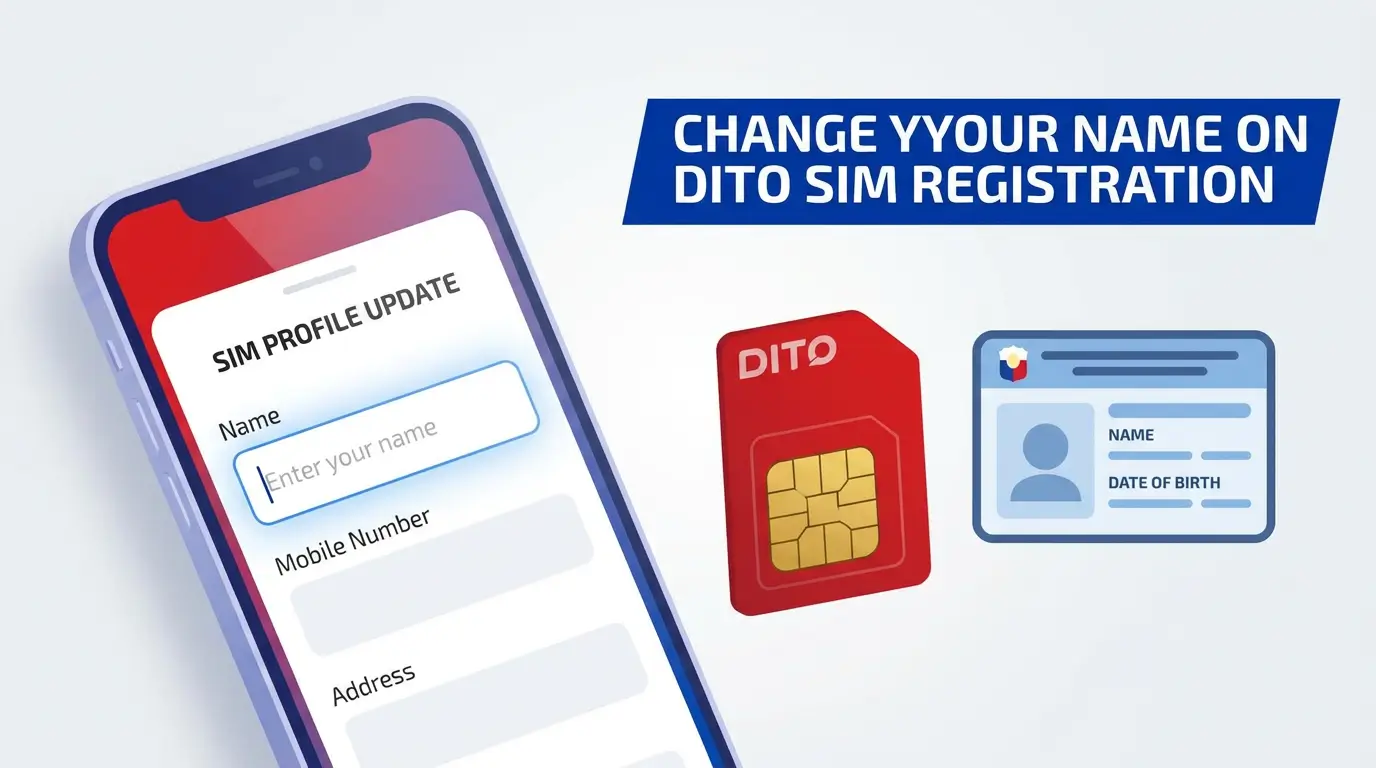
- Go to Profile → SIM Registration / Update Details. Have your 11-digit DITO number ready for the KYC update.
- Enter the corrected name exactly as on your ID — same spelling, middle name, and suffix.
- Upload documents. A clear ID photo with the correct name (keep it under 2MB), plus the supporting document for legal changes, then complete the selfie/liveness and OTP checks for account verification.
- Submit and save your reference number. Screenshot the SMS/in-app confirmation. According to DITO support flows, review typically takes minutes to a few business days.
How to Change Your Name on DITO SIM Registration — Method 2: Customer Care or Store
Best for legal changes or rejected app requests.
- Call DITO Customer Care at 185 and state whether it’s a correction or legal name change.
- Email the request to [email protected] (or [email protected] for data-rectification concerns), attaching your ID and documents.
- Prepare originals. If sent to a store, bring original IDs and certified true copies of supporting papers.
- Fill out the request form and consent to data processing; the officer updates the name field in the registry.
- Keep your transaction proof — reference number or acknowledgment receipt.
Special Cases Competitors Skip
- Minors: Registered under a parent/guardian’s name; updates need guardian ID + proof of guardianship.
- Foreign nationals: Passport + ACR I-Card (Alien Certificate of Registration Identity Card) + legal instrument for the change.
- Authorized reps: Need a Special Power of Attorney (SPA), their ID, and the account holder’s ID.
- Deceased subscriber: Not a name change — it’s a subscriber transfer (Death Certificate + proof of heirship).
- Ported numbers (RA 11202, the Mobile Number Portability Act): Submit to your current carrier.
- Postpaid: May need a contract update on top of the registry change.
Requirements: What You Need
Clerical correction (Case A):
- Active DITO SIM + 11-digit number
- One valid government ID with the correct name
- Clear selfie + stable internet + latest DITO App
Legal name change (Case B) — add one:
- PSA Marriage Certificate / Report of Marriage
- Court Order (Rule 103/108) with certificate of finality
- Annotated PSA Birth Certificate
- LCR/PSA certification under RA 9048 / RA 10172
- Adoption decree + amended birth certificate
According to DITO’s official list, accepted IDs include the PhilSys National ID, Passport, UMID, Driver’s License, SSS/GSIS, PRC ID, Voter’s ID, Postal ID, and other government-issued IDs with a photo.
Comparison Table 1 — App vs. Customer Care/Store
| Feature | Method A: DITO App | Method B: Care / Store |
|---|---|---|
| Best for | Typos, corrections | Legal changes, rejections |
| Requirements | ID + selfie + OTP | ID + original documents |
| Time | Minutes to days | Same visit to several days |
| Cost | Free | Free; SIM swap fee only if needed |
| Pros | Fast, no travel | Human help for complex cases |
| Cons | Rejects unclear photos | May require store visit |
Comparison Table 2 — Clerical Correction vs. Legal Name Change
| Point | Clerical Correction | Legal Name Change |
|---|---|---|
| Cause | Typo at registration | Marriage, court order |
| Legal basis | RA 10173 rectification | RA 9048/10172, Rule 103/108 |
| Documents | Valid ID | ID + PSA/court document |
| Processing | Quick | Manual review |
| Channel | DITO App | Care / store |
| Risk if ignored | Verification mismatch | Deactivation / penalties |
Best Practices to Get Approved
- Match your ID exactly — the #1 rejection reason.
- Keep ID photos under 2MB, well-lit, unfiltered.
- Clean selfie — no hats, sunglasses, or shadows.
- Update the DITO App before submitting.
- Save your reference number.
- Use only official channels — register.dito.ph, the DITO App, 185. According to DITO, you should “never click any links from unknown senders.”
FAQ — Changing Your Name on DITO SIM Registration
Conclusion
So, can you change your name on DITO SIM registration? Absolutely — and according to RA 11934, for a real legal change you’re expected to. Use the DITO App for quick DITO registration corrections, and go through 185 or a store for marriage- or court-related updates with the right PSA or court documents.
Keeping your name accurate is a requirement under the SIM Registration Act that protects your number from verification problems. If unsure, check the official DITO SIM Registration page or NTC FAQs before submitting.
Disclaimer: This article is general information, not legal advice. Requirements may vary by case and may be updated by DITO, the NTC, or DICT. Always confirm current rules through official channels.