Can I Use DITO SIM Not Registered?

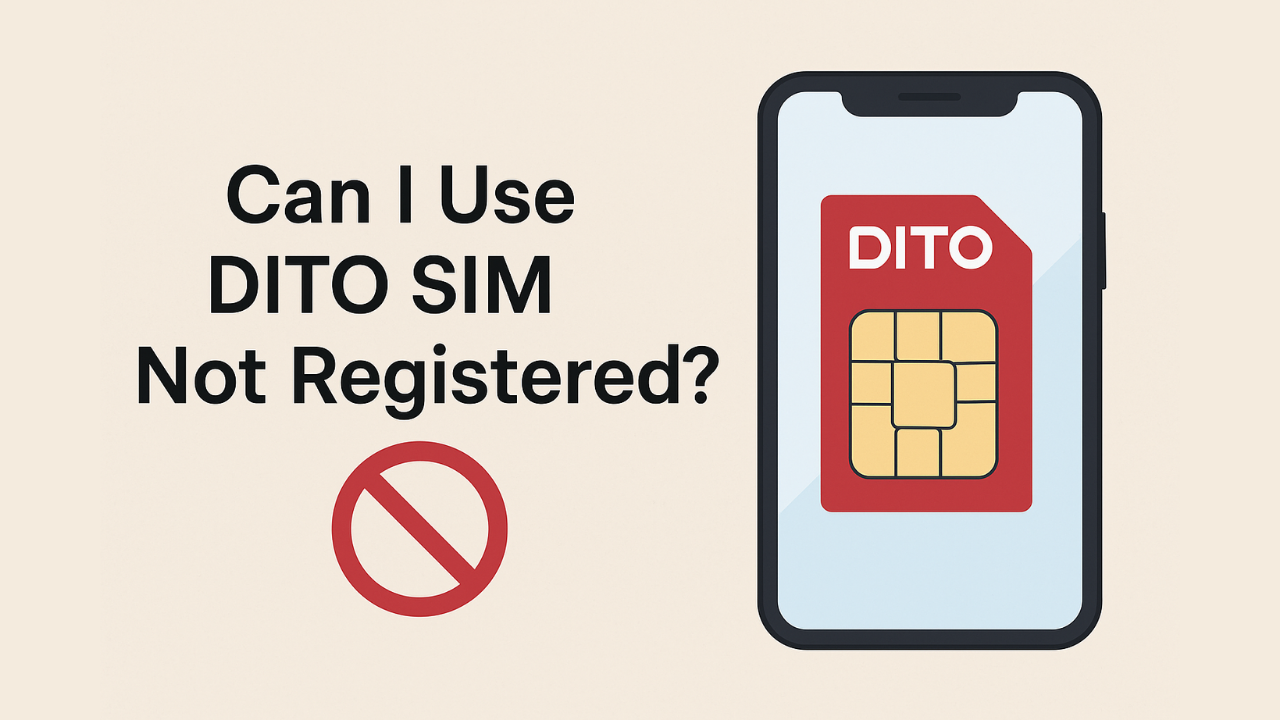
If you recently bought a DITO SIM card in the Philippines, you might wonder: “Can I use DITO SIM not registered?”
The short answer is no — you cannot use a DITO SIM that is not registered. According to the SIM Registration Act (Republic Act No. 11934), all SIM cards in the Philippines must be registered before they can be activated for calls, texts, or data.
Let’s explore why registration is required, what happens if you skip it, and how you can easily register your DITO SIM online or through the app.
Why SIM Registration Is Mandatory
The Philippine SIM Registration Act requires all users to register their SIM cards with valid personal information and ID.
This rule applies to all telecom companies, including DITO Telecommunity, Globe, and Smart.
Purpose of SIM registration:
- To prevent scams and fraud using untraceable SIMs.
- To enhance security and accountability in digital communication.
- To allow telecom companies to verify and protect legitimate users.
Without registration, your SIM cannot be used for any mobile service in the country.
What Happens If You Don’t Register Your DITO SIM
If you insert an unregistered DITO SIM card into your phone, you’ll experience the following issues:
| Issue | Description |
|---|---|
| No Network Access | The SIM won’t connect to the DITO network. |
| No Calls or Texts | You can’t send or receive SMS or voice calls. |
| No Internet | Data connection will not work at all. |
| Deactivation | The SIM will be permanently deactivated if not registered within the given timeframe. |
Note: DITO allows limited time for registration after purchase. If you fail to register within this period, the SIM will be permanently disabled and cannot be reactivated.
How to Register Your DITO SIM Card
Follow these simple steps to activate your DITO SIM properly:
1. Insert Your DITO SIM
Insert the new SIM into your smartphone and make sure your device supports 4G/5G LTE.
2. Download the DITO App
Go to the Google Play Store or Apple App Store and install the DITO App.
3. Open the App & Tap “Register SIM”
Once opened, tap the Register SIM option and follow the on-screen instructions.
4. Provide Personal Information
Enter your:
- Full name
- Date of birth
- Address
- Nationality
5. Upload a Valid ID
Accepted IDs include:
- Philippine National ID
- Passport
- Driver’s License
- SSS/GSIS ID
- UMID Card
6. Take a Selfie for Verification
DITO requires a live selfie to confirm your identity.
7. Submit & Wait for Confirmation
After completing the registration, you’ll receive a confirmation SMS or notification in the DITO app. Your SIM is now ready for use!
Important Tips for Successful Registration
- Make sure your phone has a stable internet connection.
- Use your own personal ID — fake or mismatched details can lead to deactivation.
- If you lose your SIM, report it immediately to DITO’s support to avoid misuse.
What If My DITO SIM Is Already Deactivated?
If you missed the registration deadline and your SIM is already deactivated, you can’t use it anymore.
The only solution is to buy a new DITO SIM card and register it right away using the same process above.
How to Check If Your DITO SIM Is Registered
You can verify your registration status through the DITO app:
- Open the app and log in.
- Tap Profile → SIM Registration Status.
- If it shows “Registered,” your SIM is active and verified.
If not, you’ll be prompted to complete your registration immediately.
Conclusion – Can I Use DITO SIM Not Registered?
To answer the question – Can I use DITO SIM not registered?
No, you can’t. Registration is required by law before activation. Without it, your SIM will have no network access and will eventually be deactivated.
Registering your DITO SIM is a quick process that ensures your security, protects your number, and keeps your communication services active.