Can You Cancel DITO SIM Registration? NTC Rules Explained – 2026 Guide

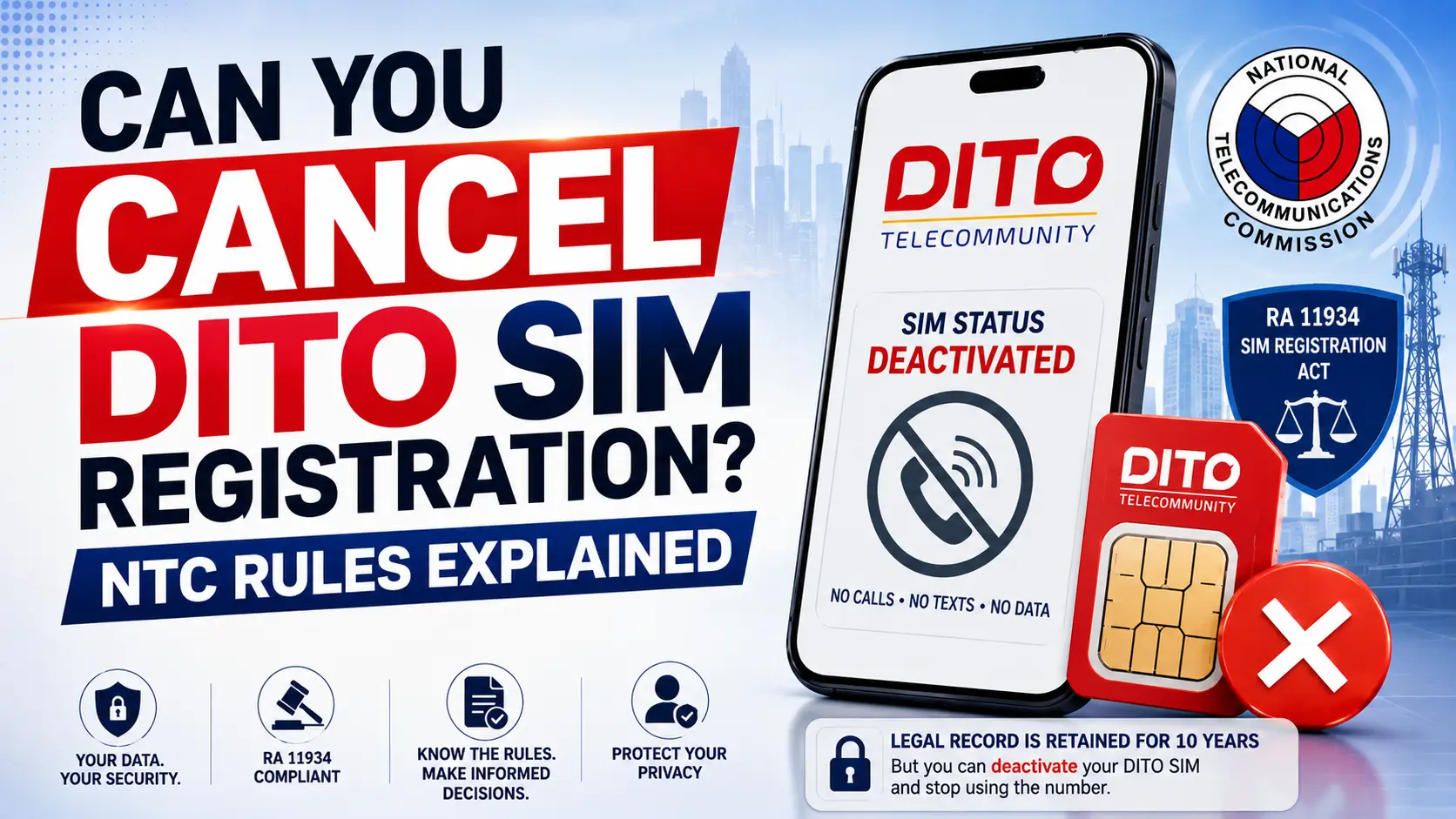
If you’re wondering “Can you cancel DITO SIM registration?”, the short legal answer is: you cannot erase the core registration record, but you can request deactivation of your DITO SIM and stop using the number under NTC rules implementing the SIM Registration Act (RA 11934). In this 2026 guide, I’ll walk you through what the law really says, how DITO processes deactivation, what happens to your data, and the safest steps to take in different real-world scenarios.
I’ve gone through the law, NTC issuances, and DITO’s own pages so you don’t have to dig through legal PDFs. By the end, you’ll know exactly what you can and cannot do with your DITO SIM registration, and how to protect your privacy and security while staying within Philippine regulations.
Background: What “Cancel DITO SIM Registration” Really Means
Under Republic Act No. 11934 – the SIM Registration Act, all SIM cards in the Philippines must be registered with valid identification before they can be fully activated. This applies to DITO, Smart, Globe, and all public telecommunication entities (PTEs).
The law and its Implementing Rules and Regulations (IRR), issued via Joint Memorandum Circular No. 001-2022, introduce two separate ideas that often get mixed up:
- SIM registration record – your full name, ID details, address, and other data that DITO is legally required to keep in a secure database for 10 years, even after SIM deactivation, for law enforcement and fraud prevention.
- SIM activation status – whether your physical DITO SIM (or eSIM if applicable) can make calls, send texts, and use data. This can be deactivated at your request or under specific conditions (loss, theft, non-registration, death, etc.).
So when people say “cancel SIM registration,” they usually mean one of two things:
- Stop using the SIM / deactivate it, or
- Completely delete all personal data from the telco’s database.
The law clearly supports the first, but limits the second because of the mandatory retention requirement in RA 11934 and the IRR.
This matters if:
- You lost your DITO SIM and worry about misuse,
- You don’t want that DITO number associated with you anymore,
- You’re switching to another network, or
- You’re concerned about data privacy and SIM-linked scams.
Can You Cancel DITO SIM Registration Under NTC Rules?
Here’s the key legal reality in simple terms:
- Yes, you can request voluntary deactivation of your DITO SIM under NTC rules implementing RA 11934. The telco is expected to deactivate the SIM within a set timeframe (typically within 24 hours of a validated request, as patterned in the IRR for loss/theft reporting).
- No, you cannot instantly “unregister” and erase the core registration data. RA 11934 and its IRR require telcos to keep SIM registration records for a minimum of ten (10) years from deactivation or end of use, for investigations and regulatory compliance.
However, under the Data Privacy Act (RA 10173), you may still exercise rights like:
- Requesting deletion of non-essential or excessive data (for example, marketing profiles),
- Limiting processing to what is necessary,
- Objecting to direct marketing.
For DITO, these privacy-related requests go through channels like their published privacy email (often labeled [email protected]) and other contacts listed on their SIM registration and privacy pages.
In short, you can stop using the SIM, but the legal record stays for 10 years. The rest of this guide focuses on how to do that in the safest, most efficient way.
Step-by-Step Process — Method 1: Ask DITO to Deactivate Your SIM
Method 1 is for subscribers who want to directly request deactivation from DITO while keeping (or forfeiting) the current number. This aligns with NTC rules on reporting and deactivation under RA 11934.
Step 1: Decide your reason for deactivation
Clarify why you want the SIM deactivated, because agents will ask, and some reasons have special handling:
- Lost or stolen SIM – high priority; NTC expects immediate reporting and deactivation to prevent misuse.
- No longer want to use DITO – voluntary deactivation; you simply want the line shut off.
- Wrong information during SIM registration – you may prefer to deactivate and start over with correct details.
- Death of a subscriber / minors’ SIM – requires supporting documents, handled as a special case.
Knowing the exact reason helps the agent pick the right script and escalation, and in my experience reduces back-and-forth questions.
Step 2: Prepare your identification and account details
DITO and the NTC IRR both require proper identity verification before processing sensitive actions like deactivation.
Prepare:
- Your DITO mobile number to be deactivated,
- A valid government-issued ID that matches your registration (for example, PhilSys ID, passport, driver’s licence, UMID, etc.), as listed on DITO’s SIM registration FAQ,
- Optional but helpful: last load or promo used, recent call or text details (agents often ask this as an added verification layer).
If the SIM is lost or stolen and you can’t easily verify through the app, be ready to provide an affidavit of loss or police blotter if asked, especially for serious security incidents.
Step 3: Contact DITO through an official channel
Choose one of DITO’s recognized channels, consistent with IRR guidance that reports may be made via hotline, email, walk‑in, or the official app.
You can:
- Call 185 from a DITO number – this is DITO’s main customer care hotline.
- Call (02) 8888-6555 from other networks, if this number is active for your area.
- Use live chat via the DITO app – log in, go to Help or Support.
- Message @DITOphofficial on Facebook or Twitter/X, then expect to be moved to a more secure channel for verification.
- Visit a DITO Experience Store or kiosk with your ID.
From experience, 185 or the app’s chat are usually the fastest since agents can cross‑check your registration data immediately.
Step 4: Clearly request voluntary deactivation and ask for a ticket number
Once you’re connected to an agent, you can say something like:
“I want to voluntarily deactivate my DITO SIM registered under my name. The number is [09xx-xxx-xxxx]. Please process the deactivation in line with the SIM Registration Act.”
Then:
- Answer the verification questions (name, birthdate, address, last promo, etc.),
- Confirm you understand that remaining load, promos, and rewards may be forfeited upon permanent disconnection under DITO’s terms and conditions,
- Ask for a ticket or reference number and save it – screenshot the chat or write it down. This is your proof if something goes wrong.
Step 5: Wait for deactivation confirmation and verify
For loss or theft cases, the IRR expects telcos to act on valid reports within 24 hours, and similar timelines are followed in practice for voluntary deactivation.
What to do next:
- Expect an SMS or email confirmation that your SIM is deactivated.
- Test the SIM after a few hours: try making a call or using mobile data. A properly deactivated SIM should not connect.
- If nothing happens within 24 hours, contact DITO again with your ticket number and, if still unresolved, escalate to the NTC Consumer Welfare Division via their published hotlines for SIM registration issues.
This closes Method 1 and leaves your SIM legally registered but technically inactive, which is exactly what the law anticipates.
Step-by-Step Process — Method 2: Switch Network (MNP) and Exit DITO
Method 2 uses Mobile Number Portability (MNP) – transferring your number from DITO to another network such as Globe or Smart. DITO itself explains MNP for users who want to “switch network,” and the same mechanism applies when you move out of DITO.
This method is ideal when you want to keep the same number but no longer want it tied to a DITO SIM.
Step 1: Check if your DITO number is eligible for porting
For MNP to work:
- Your DITO SIM must be registered and active (not already deactivated).
- Your account should not have fraud flags or unresolved violations.
- Any contractual obligations (more common on postpaid) should be cleared as required.
DITO’s MNP information explains that a new SIM from the receiving network will be given while retaining the same mobile number.
Step 2: Request a porting code or follow DITO’s MNP instructions
Depending on the current implementation, you either:
- Request a Unique Subscriber Code (USC) or porting code from DITO, or
- Start the request with the receiving network, which then coordinates with DITO.
Follow the instructions on DITO’s Mobile Number Portability page and the target network’s MNP page carefully to avoid conflicting requests.
Step 3: Complete the MNP request with the new network
At your target network’s store or app, you will typically:
- Present a valid government ID,
- Provide your existing DITO number,
- Fill out the porting form and accept the terms,
- Receive a new SIM card tied to your old number once the port is approved.
When the port completes, your old DITO SIM becomes inactive for that number, and service now runs through the new network.
Step 4: Confirm that DITO service is stopped
After successful porting:
- Your old DITO SIM should no longer work with that number.
- Check your new SIM: you should be able to call and text using the same mobile number, but on the new network.
From DITO’s perspective, your line is no longer active. Your SIM registration record remains in the broader regulatory context, but your active service and billing are now with your new provider.
Step 5: Clean up everything tied to your old DITO SIM
To protect yourself from identity or account takeover:
- Update your bank accounts, e-wallets, and email to reflect that you’re now using a SIM from a new network.
- Remove or update any DITO app logins, especially if you leave the physical DITO SIM lying around.
- If you still physically possess the DITO SIM, treat it as inactive hardware and avoid giving it away.
Method 2 is essentially a “controlled exit” from DITO while keeping the same phone number under another network.
Variations and Special Cases You Should Know
Real life is messy. Here are important scenarios many guides skip or oversimplify.
Lost or stolen DITO SIM
If your DITO SIM is lost or stolen, RA 11934 expects you to report the loss immediately, and the telco must deactivate the SIM within 24 hours of a valid report to prevent misuse.
In practice:
- Report via DITO’s app, hotline 185, or in-store as soon as you realize the loss.
- Secure your online banking and e-wallets before or right after calling, since many OTPs still arrive via SMS.
- Ask for proof of deactivation (ticket number plus confirmation message).
Failure to report promptly could be treated as contributory negligence if the SIM is used in a crime.
Wrong or outdated registration details
If you made a mistake in your DITO SIM registration (wrong birthdate, typo in name, etc.):
- First ask DITO if the detail can be corrected without full deactivation.
- If correction isn’t possible or you’re uncomfortable, you can deactivate the SIM and register a new one correctly.
Under RA 11934, telcos are expected to keep registration data accurate and secure, so updating wrong information is preferable to leaving it incorrect.
Minor’s SIM or subscriber has passed away
RA 11934 has provisions about SIMs used by minors (registered under a parent/guardian) and handling SIMs where the subscriber is deceased.
- For minors, the parent or guardian who registered the SIM may request deactivation, subject to ID verification.
- For a deceased subscriber, DITO may require a death certificate and proof of relationship before deactivation or transfer.
Simply not registering or using the SIM
If you never register a DITO SIM (for older, unregistered cards) or ignore registration prompts, DITO will eventually deactivate it under the SIM Registration Act.
This is not a controlled “cancellation,” but an automatic enforcement measure. Any stored value is generally forfeited, and the number may be reassigned after a quarantine period.
Requirements / Eligibility / What You Need
To successfully request deactivation or manage your DITO SIM registration status, you typically need:
- Registered subscriber status (SIM already registered under RA 11934).
- Valid government-issued ID matching your registration data, from DITO’s accepted list (passport, PhilSys ID, driver’s licence, UMID, etc.).
- Your DITO mobile number and, if possible, last load or promo information for added verification.
- For lost or stolen SIM cases: optional but helpful Affidavit of Loss or police blotter, in line with IRR guidance for serious incidents.
- For death or minor cases: authorized representative documents (death certificate, SPA, proof of guardianship).
- A way to contact DITO (alternate number, app, or store visit).
Having these ready makes the process smoother and helps DITO comply with both RA 11934 and the Data Privacy Act.
Comparison Table 1 — Method 1 vs Method 2
| Feature | Method A: Direct Deactivation | Method B: Switch Network (MNP) |
|---|---|---|
| Main goal | Stop using DITO SIM & number | Keep same number, leave DITO |
| Who processes it | DITO only | New network + DITO (MNP flow) |
| SIM registration record | Kept for 10 years | Kept; number moves networks |
| Active service after process | None | With new network |
| Approximate processing time | Around 24 hours | Usually 1–2 days, may vary |
| Need new SIM card | Only if you want a replacement | Yes, new SIM from new network |
| Remaining load/promos | Usually forfeited | Often forfeited on old network |
| Best for | Lost SIM, complete shutdown | Network switchers keeping number |
| Key risk | Number may be reassigned later | Temporary downtime during port |
Comparison Table 2 — “Cancel DITO SIM Registration” Options
Here’s a broader comparison of user‑facing options related to “canceling” DITO SIM usage:
| Option | What Actually Happens | Law / Policy Basis | Pros | Cons / Risks | Typical Use Case |
|---|---|---|---|---|---|
| Voluntary deactivation via DITO | SIM is deactivated; record retained | RA 11934 + DITO policy | Quick, simple, controlled | Number may be reused later; load lost | Stop using DITO line entirely |
| Switch network (MNP) | Number moves to new network | MNP law + SIM Registration Act | Keep same number, new provider | Some paperwork; downtime during port | Unhappy with DITO, want to keep number |
| Let SIM auto-expire (no use/no reg) | Non-registered SIM deactivated | RA 11934 enforcement | No effort | Uncontrolled; value forfeited, security risk if lost | Old, unused SIM, not tied to accounts |
| Replace lost SIM with same number | Old SIM blocked, new SIM with same num | IRR + DITO replacement policy | Keep number after loss | Possible fee; need IDs/affidavit | Lost SIM but still want same number |
| Data privacy request (RA 10173) | Non-essential data minimized/deleted | Data Privacy Act | Better control over marketing/analytics | Core registration still retained | Privacy-conscious users |
| Do nothing / ignore registration SMS | Eventually forced deactivation | RA 11934 | No immediate effort | Unexpected cut-off, lost access and value | Users who procrastinate on registration |
Performance Tips and Best Practices (To Stay Safe and Compliant)
Here are six practical tips based on how RA 11934 is enforced and how DITO structures its services:
- Always register with correct, consistent data. Mismatched names or IDs can cause headaches when you later want to deactivate, replace, or port your SIM.
- Report lost or stolen SIMs within 24 hours. This isn’t just a suggestion; it’s aligned with RA 11934’s expectations and can protect you from being implicated in crimes committed using your number.
- Request and keep your ticket/reference number. Whenever you ask DITO to deactivate or modify your account, that number is your best proof if you need to escalate to NTC later.
- Clean up your digital footprint before deactivation. Update your banks, e-wallets, email, and social media to another number or authenticator app so you don’t get locked out after your DITO SIM is off.
- Use official channels only. Ignore social media posts or third parties offering to “unregister your SIM” for a fee; these are often scams and may violate both RA 11934 and the Data Privacy Act.
- Exercise your privacy rights smartly. You can’t bypass the 10‑year retention rule for registration itself, but you can ask DITO to limit or stop processing for marketing and to delete non-essential historical data where allowed.
FAQ Section — Can You Cancel DITO SIM Registration?
Conclusion
Under RA 11934 and NTC rules, you can’t erase DITO SIM registration like it never existed, but you absolutely can deactivate your DITO SIM, switch networks, or request privacy protections around your data. The safest path is to decide whether you want to simply shut down the SIM or move your number to another network, then follow the appropriate method outlined above.
If you handle your deactivation or porting carefully—using official channels, verifying your identity properly, and keeping your reference numbers—you can protect both your legal compliance and your personal security. Whenever in doubt, consult DITO’s official SIM registration page and, if issues persist, don’t hesitate to bring your concern to the NTC.