DITO Signal Checker: 5 Best Ways to Check DITO Signal in Your Area (2026)

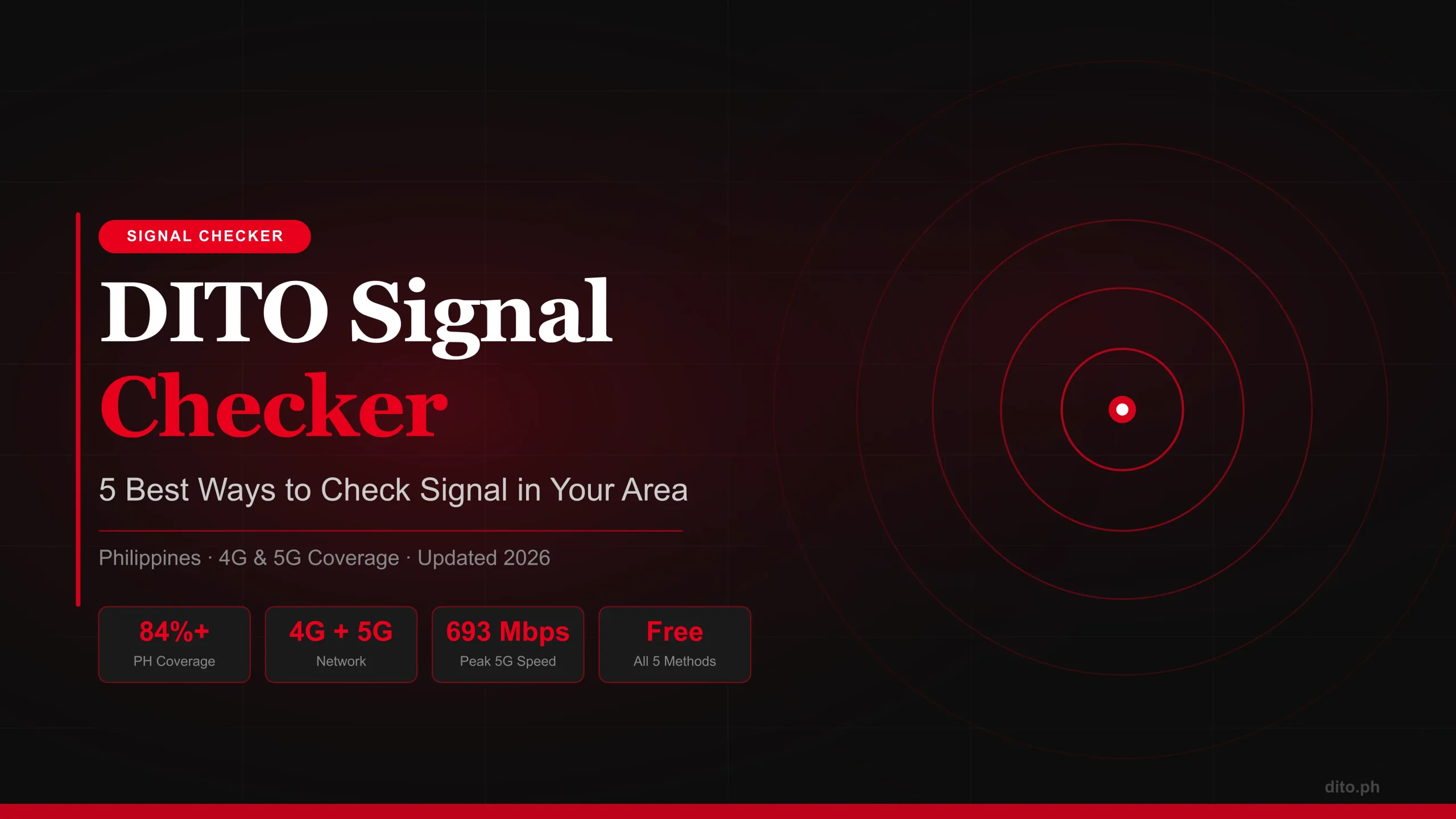
Frustrated with no DITO signal — or just want to verify coverage before buying a SIM? This is the most complete DITO signal checker guide in 2026. We cover every working method: the official 4G/5G coverage map, crowd-sourced tools, the DITO app, tower maps, a full available areas list by city, an honest Baguio signal assessment, and 5 step-by-step troubleshooting fixes that actually work.
- What Is a DITO Signal Checker?
- 5 Ways to Check DITO Signal in My Area (Step-by-Step)
- DITO 4G Coverage Map Philippines (2026)
- DITO Telecom Available Areas List by Region
- DITO Signal in Baguio — Honest Assessment
- DITO Signal Problem Today — 5 Fixes That Work
- 6 Tips to Improve Your DITO Signal Strength
- DITO vs Globe vs Smart: Coverage Tools Compared
- FAQ — 7 Common Questions Answered
#1 What Is a DITO Signal Checker and Why You Need It
A DITO signal checker is any tool — online map, mobile app, or third-party platform — that lets you verify whether DITO Telecommunity’s network reaches your exact location in the Philippines. Whether you’re checking before buying a DITO SIM, troubleshooting a dead zone, or traveling to a new province, using the right signal checker saves you time, money, and frustration.
DITO Telecommunity launched commercially in March 2021 as the Philippines’ third major telco, directly challenging Globe and Smart with competitive pricing and rapid 4G LTE and 5G rollout. By 2026, DITO covers roughly 84%+ of the Philippine population — but coverage is not uniform. Urban cores like Metro Manila, Cebu City, and Davao have strong, consistent signal, while rural barangays and highland areas like Baguio City can be hit or miss.
The fastest way to check DITO signal in your area: go to dito.ph/coverage, type your barangay name, zoom in to street level, and look for the red color overlay. Gray = no coverage. For real-user speed data, cross-check with nPerf.com. Keep reading for the full breakdown of all 5 methods.
DITO Network At a Glance — 2026
#2 5 Ways to Check DITO Signal in My Area (Step-by-Step 2026)
Most articles online only mention one or two methods. Here is the complete list of all working DITO signal checker methods in 2026 — including platforms that most Filipino subscribers don’t know exist.
Method 1: Official DITO Coverage Map (dito.ph/coverage)
Open it in any browser — no account or login required. This is DITO’s primary, always-updated signal checker page.
The interactive map zooms to your location and displays color-coded zones: 5G (dark red), 4G LTE (lighter red), and no coverage (gray).
Toggle between 4G LTE and 5G layers. Especially useful in areas like Laguna, Cavite, and Batangas where both technologies coexist.
Zoom in to street or barangay level for the most accurate result. Province-level views can be misleading — some barangays within a “covered” city may still have signal gaps.
DITO updates this map as new towers go live. A gray zone today may turn active in 30–60 days. Check back regularly if you’re in a fringe area.
Method 2: DITO Signal Checker App (Official Mobile App)
Available on Google Play Store and Apple App Store. Search “DITO Telecommunity” — it’s the official red-logo app.
Tap the hamburger menu → Coverage Map. Uses your GPS to show your real-time position against the live coverage database.
With an active DITO SIM, the app shows your current signal quality: Excellent, Good, Fair, or Weak — pulled from your device’s actual radio.
Use “Report an Issue” to flag weak signal areas. DITO uses these crowd reports for tower deployment prioritization — your report genuinely influences expansion decisions.
Method 3: nPerf — Best DITO Signal Checker Online (Crowd-Sourced)
nPerf.com is one of the best DITO signal checker online tools that most Filipinos overlook. It aggregates real speed tests run by actual DITO users in the field — giving you a data-driven, ground-truth picture of signal strength that official maps simply cannot replicate.
This URL loads the Philippines DITO coverage layer directly. Color-coded dots show real speed-test data: green = fast, yellow = moderate, red = slow.
Zoom into your barangay or city. Dots represent actual user tests run at those locations — far more reliable than theoretical tower coverage polygons.
Use the left panel technology filter to separate 4G LTE from 5G results. Critical in areas where both coexist and you want to know which is dominant.
Download the nPerf app and run a test from your home or office. Your results improve the map for everyone in your area.
Method 4: CellMapper — Find the Nearest DITO Tower
CellMapper.net is a crowd-sourced cellular tower mapping platform. Using DITO’s network codes (MCC 515, MNC 66), it shows individual DITO cell tower locations across the Philippines. This is the most technical option — useful for determining exactly how far you are from the nearest DITO tower, and whether obstructions like mountains or buildings are the root cause of your signal problem. For users in Baguio, Batangas highlands, and Laguna hill areas, CellMapper is invaluable.
Method 5: OpenSignal — Signal Quality, Not Just Coverage
OpenSignal provides another crowd-sourced data layer with filters for download speed, upload speed, latency, and video streaming experience. Unlike the official map, OpenSignal shows quality of signal — not just whether it exists. For anyone deciding between DITO, Globe, and Smart, OpenSignal’s side-by-side telco comparison gives you real benchmark data to make an informed decision.
#3 DITO 4G Coverage Map Philippines — Complete 2026 Overview
The DITO 4G coverage map Philippines shows the backbone of DITO’s nationwide signal: its 4G LTE network, which remains the primary technology in most areas outside Metro Manila and major city CBDs. Here’s a regional breakdown.
Metro Manila (NCR) — Excellent
Metro Manila is DITO’s strongest coverage zone. Quezon City has full 4G/5G coverage across Commonwealth Avenue, UP Diliman, Eastwood, and Triangle Park. Makati’s Ayala corridor, Greenbelt, and Rockwell enjoy consistent 5G. Pasig, Taguig (BGC), Mandaluyong, and Manila proper are fully blanketed in 4G LTE with 5G hotspots at all major commercial centers.
Luzon Provinces — Good to Excellent
Laguna has seen rapid expansion — Biñan, Calamba, Santa Rosa, and Los Baños now have strong 4G, with selective 5G including the UPLB campus area. Cavite covers Bacoor, Imus, and Dasmariñas. Batangas City’s urban center has solid 4G with selective 5G. Pampanga and Bulacan have reliable 4G along major highways and commercial zones.
Visayas — Good in City Cores
Cebu City and Mandaue City offer strong 4G/5G in the city core. Bacolod City has reliable signal near SM City Bacolod, the hospital district, and Lacson Street. Signal thins out in smaller municipalities across Cebu province, Iloilo, and Eastern Visayas.
Mindanao — Solid in Major Cities
Davao City is DITO’s Mindanao flagship hub with strong 5G in the CBD. Cagayan de Oro, Zamboanga, and General Santos have functional 4G LTE. Many rural municipalities in Mindanao remain in the expansion pipeline for late 2026.
Table 1: DITO Signal Checker Tools Compared
| Tool | Type | Real-Time? | Crowd-Sourced? | Free? | Best For |
|---|---|---|---|---|---|
| dito.ph/coverage | Official Map | ✔ Yes | ✘ No | ✔ Yes | Quick area check |
| DITO App | Mobile App | ✔ Yes | ⚡ Partial | ✔ Yes | Live signal strength |
| nPerf.com | Online Map | ✔ Yes | ✔ Yes | ✔ Yes | Real user speed data |
| CellMapper | Tower Map | ✔ Yes | ✔ Yes | ✔ Yes | Tower location lookup |
| OpenSignal | Online/App | ✔ Yes | ✔ Yes | ✔ Yes | Quality comparison |
#4 DITO Telecom Available Areas List by Region (2026)
Below is a comprehensive summary of the DITO Telecom available areas list organized by region. DITO is actively expanding — always verify your specific barangay at dito.ph/network-coverage for the latest updates.
| Region / Area | 4G Available | 5G Available | Signal Quality |
|---|---|---|---|
| Metro Manila (NCR) | ✔ Full | ✔ Wide | Excellent |
| Cebu City | ✔ Full | ✔ City Core | Excellent |
| Davao City | ✔ Full | ✔ CBD | Excellent |
| Bacolod City | ✔ City Core | ⚡ Selective | Good |
| Batangas City | ✔ Urban | ⚡ Selective | Good |
| Laguna (Calamba, Biñan, Sta. Rosa) | ✔ Full | ✔ Key Areas | Good–Excellent |
| Cavite (Bacoor, Imus, Dasmariñas) | ✔ Urban | ⚡ Selective | Good |
| Pampanga / Bulacan | ✔ Highways | ⚡ Limited | Fair–Good |
| Baguio City | ⚡ Partial | ✘ Limited | Fair (see below) |
| Cagayan de Oro | ✔ City Core | ⚡ Selective | Good |
| Iloilo City | ✔ City Core | ⚡ Limited | Fair–Good |
| Zamboanga City | ✔ Urban | ✘ No | Fair |
| General Santos City | ✔ City Core | ⚡ Selective | Fair–Good |
| Remote / Rural Barangays | ✘ Limited | ✘ No | Weak / No Signal |
#5 DITO Signal in Baguio — An Honest, Detailed Assessment
Many people searching for DITO signal in Baguio expect a simple yes or no. Most competitor articles give a vague non-answer. Here is an honest, data-based assessment as of April 2026.
Baguio City sits at roughly 1,540 meters above sea level in the Cordillera region. The mountainous terrain creates significant challenges for mobile signal propagation — radio waves lose strength rapidly over hilly terrain, and the city’s vertical geography means towers cover far smaller areas than in flat Metro Manila. DITO has deployed towers in Baguio, and nPerf data shows 4G LTE data points primarily around Session Road, SM City Baguio, and the Burnham Park area.
If you’re already a DITO subscriber in Baguio, use CellMapper (MCC 515 / MNC 66) to locate the nearest tower to your home. Positioning near a window or on an upper floor facing the tower direction can meaningfully improve signal in fringe zones.
#6 DITO Signal Problem Today — 5 Fixes That Actually Work
If you’re experiencing a DITO signal problem, the cause is almost always one of five things. Here is a deeper troubleshooting guide than you’ll find anywhere else.
- Problem 1: DITO SIM Shows “No Service” in a Covered AreaFix: Toggle Airplane Mode on for 15 seconds, then off. This forces your device to re-register on the DITO network. If that fails, go to Settings → Mobile Network → Network Operators → Select Manually → choose DITO. This forces a fresh network handshake and bypasses cached selections that may be routing to an inactive tower.
- Problem 2: DITO SIM Has Signal But No Internet DataFix: Your APN settings may be wrong or missing. Go to Settings → Mobile Networks → Access Point Names → Add new APN. Set Name: DITO, APN: dito — leave all other fields blank or at default. Save and reboot. DITO uses a very simple APN; any deviation causes data failure even when voice signal is present.
- Problem 3: DITO 4G Randomly Drops to No SignalFix: Your device may be bouncing between LTE bands. Go to Settings → Mobile Network → Preferred Network Type → set to “4G/LTE only” or “LTE preferred.” Avoid “Auto” on older devices as it can oscillate between bands and cause drops. Confirm your phone supports DITO’s LTE bands (3, 7, 28, 40) via frequencycheck.com.
- Problem 4: DITO SIM Not Registering / VoLTE IssueFix: DITO is a 4G/5G-only network — it requires VoLTE (Voice over LTE) for calls. If your phone doesn’t support VoLTE, or if it’s disabled, the SIM may show unstable registration. Enable VoLTE in your device settings. Some older iPhones and budget Android models don’t support DITO’s VoLTE frequency — in this case, a device upgrade is necessary.
- Problem 5: Signal Was Fine Yesterday, Gone TodayFix: This usually indicates a tower outage or maintenance. Call DITO Hotline 185 (free from DITO SIM) or check DITO’s official Facebook page (@DITOTelecommunity) for service advisories. You can also use the DITO app’s “Report Issue” feature — if many users report the same area simultaneously, it escalates to engineering faster. Most outages resolve within 4–24 hours.
#7 6 Tips to Improve Your DITO Signal Strength
Check Band Compatibility
Verify your phone supports DITO LTE bands 3, 7, 28, and 40. Missing Band 28 is the most common cause of weak rural and provincial signal.
Force-Refresh the Network
Airplane mode toggle + manual network selection resets the connection. Often improves signal by 1–2 bars instantly, especially after traveling.
Improve Physical Positioning
Move to a higher floor or near a window facing the DITO tower (find it on CellMapper). Concrete walls and metal roofing absorb signal significantly.
Use a Passive Signal Booster
Cradle-style passive boosters can help in fringe zones. Avoid illegal active repeaters — they are prohibited by NTC Philippines and can cause network interference.
Set APN Correctly
Incorrect APN kills data even in strong signal areas. DITO APN: “dito” — lowercase, no password, no proxy, no port. Delete any old or incorrect APN entries.
Keep OS and Carrier Settings Updated
Outdated carrier settings or Android/iOS versions cause network registration failures. Check for carrier settings updates monthly in your phone settings.
Check DITO Signal in Your Area Right Now
Use the official DITO coverage map or nPerf’s crowd-sourced checker for the most accurate signal data in your barangay.
#8 DITO vs Globe vs Smart: Coverage Checker Comparison
How does DITO stack up against Globe and Smart for signal checker tools and actual coverage quality? Here’s the side-by-side data most articles skip.
| Feature | DITO | Globe | Smart |
|---|---|---|---|
| Official Coverage Map | ✔ dito.ph/coverage | ✔ globe.com.ph | ✔ smart.com.ph |
| Mobile App Signal Checker | ✔ DITO App | ✔ GlobeOne | ✔ GigaLife |
| nPerf Crowd Data | ✔ Available | ✔ Available | ✔ Available |
| Metro Manila Coverage | Excellent (4G+5G) | Excellent (4G+5G) | Excellent (4G+5G) |
| Rural/Provincial Coverage | ⚡ Growing | ✔ Strong | ✔ Strong |
| Baguio City Signal | ⚡ Partial | ✔ Good | ✔ Good |
| Peak 5G Speed | Up to 693 Mbps | Up to 500+ Mbps | Up to 500+ Mbps |
| Free Customer Hotline | 185 | 211 | 888 |